> For the complete documentation index, see [llms.txt](https://docs.alemba.com/asm-gaia-10.4/llms.txt). Markdown versions of documentation pages are available by appending `.md` to page URLs; this page is available as [Markdown](https://docs.alemba.com/asm-gaia-10.4/use-asm/using-nano/nano-application/nano-matching-panel.md).
# Nano Matching Panel
Use the Matching Knowledge panel and Matching Calls panel to see knowledge articles and calls similar to the current call that may contain solutions or valuable information.
Calls and Knowledge Articles are matched on the Type, Service, and Configuration Item of the call being worked on by the analyst in Nano
### Enabling Matching Panel for Nano
1. Select > **Admin** > **System Administration**. The System Administration window appears.
In the Explorer pane, expand **Preview Features/Advanced Options.**
2. Select **Settings** to display **Preview Features Settings** window.
3. Select the check box for **Nano Matching Panel**.
4. Select to save the changes. Provide the Change Reasons if prompted to do so.
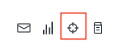
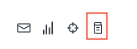
Analysts in Nano now see two buttons on the toolbar in the Call Details window.
### Using Nano Matching Panels
#### Matching Calls Panel
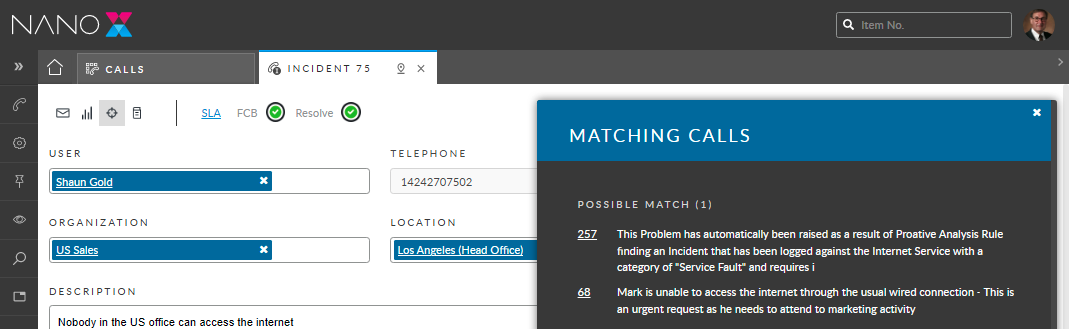
1. Analysts in Nano can open the Matching Calls panel by selecting it on the Call Details toolbar.\
Calls that have a matching Configuration Item, Service, or Type are displayed in the panel.
2. Calls with three (3) matching fields are listed first, followed by calls with two (2), and calls with one (1) matching field are listed last.
3. To view details of the matching call Analysts select it from the list. The call details open in a new tab.
#### Matching Knowledge Panel
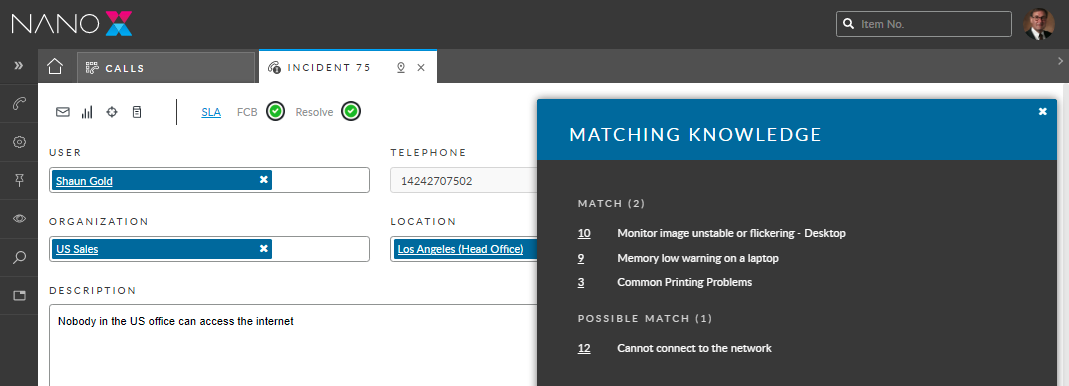
1. Analysts in Nano can open the Matching Knowledge panel by selecting it on the Call Details toolbar.
2. Knowledge articles that have a matching Service, or Type are displayed in the panel.
3. KBs with two (2) matching fields are listed first, KBs with one (1) matching field are listed last.
4. To view details of the matching knowledge article, Analysts select it from the list. The knowledge details open in a new tab.
###