> For the complete documentation index, see [llms.txt](https://docs.alemba.com/asm-hermes/llms.txt). Markdown versions of documentation pages are available by appending `.md` to page URLs; this page is available as [Markdown](https://docs.alemba.com/asm-hermes/use-asm/using-the-self-service-portal/logging-and-reviewing-tickets-and-tasks-approvals/cloning-your-tickets.md).
# Cloning Your Tickets
In some cases, you will log a similar ticket many times. Such as for Software patches, for example. To make this easier, you can clone a ticket you have already logged and submit it as new.
{% hint style="info" %}
The Ticket must be open and not in a Resolved or Closed state.
The ability to Clone tickets os configured by your organization and may not be available to your profile. If this is a function you believe you should have, please see you ASM System Admin.
{% endhint %}
To locate a ticket to clone, simply search for it in your open tickets.
1. Open the ticket you want to clone.
2. Click the "**Clone**" button
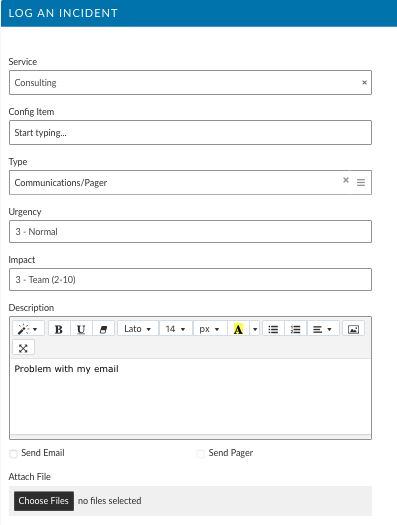
3. A new ticket will load with all of the previously entered details. Update that which is necessary, then, click "**Submit**".