> For the complete documentation index, see [llms.txt](https://docs.alemba.com/asm-hermes/llms.txt). Markdown versions of documentation pages are available by appending `.md` to page URLs; this page is available as [Markdown](https://docs.alemba.com/asm-hermes/use-asm/using-asm-core/managing-your-tickets-calls-and-ipk/working-with-calls/watch-call.md).
# Watch Call
You can add yourself the a call to watch it without needing to take ownership.
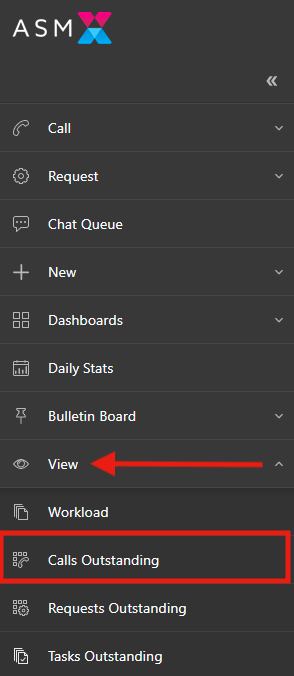
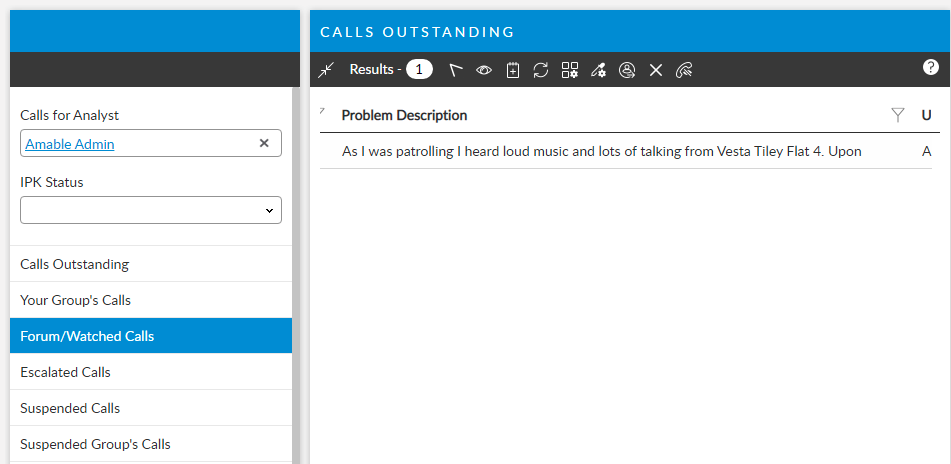
Watching a call allows you to keep it in your workload queue and to receive updates without the need to take it out of another agents queue. Watched calls appear in your **Calls Outstanding** view.
## To watch a call
1. From Call search Results, click the Watch Icon in the toolbar:
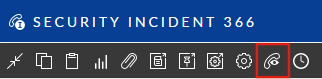
2. From within a call, click the Watch icon in toolbar:
## To Remove a Watch
To remove a watch, click the UnWatch icon found next to any watch icon in all toolbars:
### Rewatching a Call
If you remove a watch on a call, but then want to place a watch on this call again, click the call watch icon again.
## See also
{% embed url="" %}