> For the complete documentation index, see [llms.txt](https://docs.alemba.com/asm-hermes/llms.txt). Markdown versions of documentation pages are available by appending `.md` to page URLs; this page is available as [Markdown](https://docs.alemba.com/asm-hermes/use-asm/using-asm-core/requests-and-tasks/submit-a-new-request.md).
# Submit a New Request
When a request is created, the appropriate template, including predefined attributes and a dependency diagram linking all tasks and approvals, must be selected.
The main steps in managing a request are as follows:
1. Create the request, using the appropriate workflow template.
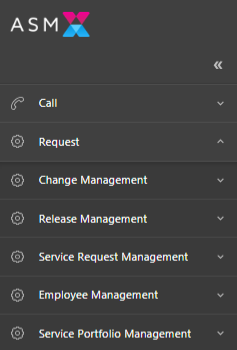
* Click the request link in the main menu:
* You can also create a request wherever you see this icon: 
* You can also clone an incident to a request using this icon and ASM will copy over all of the details to your new request: 
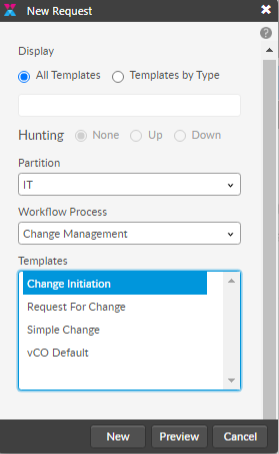
2. Select the workflow process and template you want to use
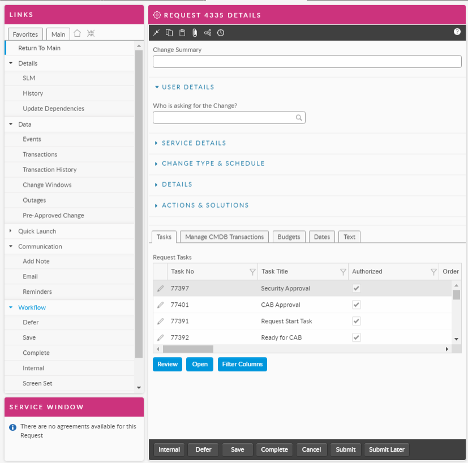
3. Complete the details
4. Click Submit