> For the complete documentation index, see [llms.txt](https://docs.alemba.com/asm/llms.txt). Markdown versions of documentation pages are available by appending `.md` to page URLs; this page is available as [Markdown](https://docs.alemba.com/asm/asm-hermes/use-asm/using-asm-core/the-bulletin-board.md).
# The Bulletin Board
The Bulletin Board has two main functions; to record public notices and to act as an internal messaging facility where a message can be sent to specified analysts or groups as a pop-up or on the board
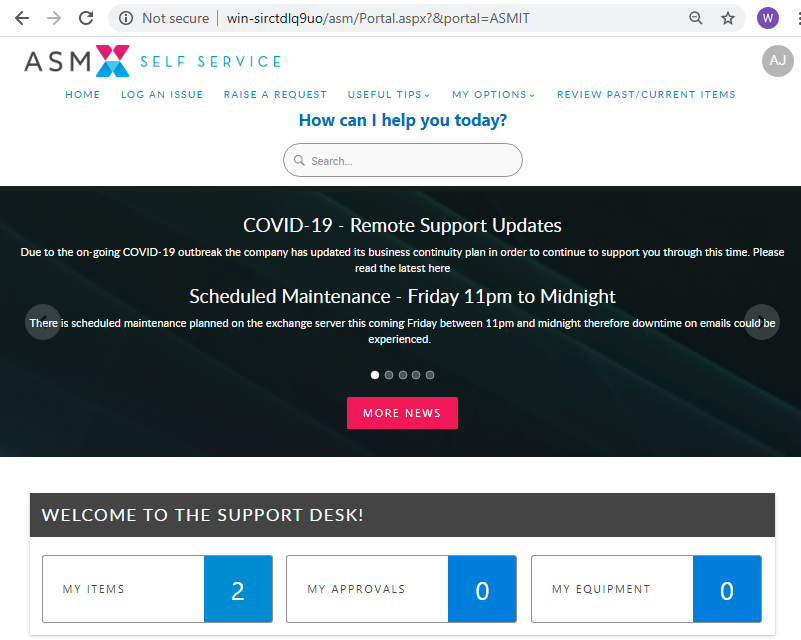
Bulletins that are public, are published on the self service portal in the news feed.
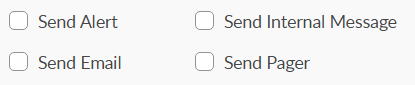
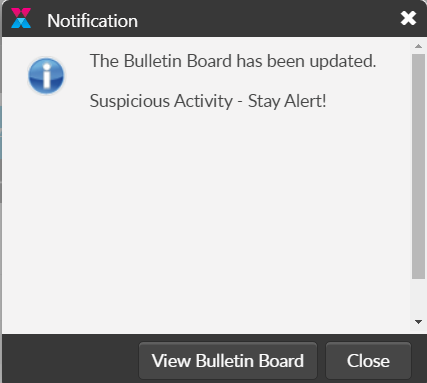
Bulletins are published on the bulletin board and in addition to publishing them on the self-service portal, they can be sent as pop-up messages (Alerts), internal messages, email, and/or pager/SMS notices.
An Alert - Displays only the Title of the Bulletin
Depending on your access rights, you can read, create, update and delete bulletins. You can also print bulletins, and forward bulletins to other analysts and Users.
##