> For the complete documentation index, see [llms.txt](https://docs.alemba.com/asm/llms.txt). Markdown versions of documentation pages are available by appending `.md` to page URLs; this page is available as [Markdown](https://docs.alemba.com/asm/asm-hermes/use-asm/using-the-self-service-portal/self-administration-in-self-service-portal/updating-your-contact-details.md).
# Updating Your Contact Details
You can update your contact details within Self Service Portal.
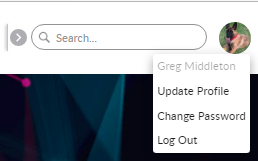
1. From your avatar, select **Update Profile**
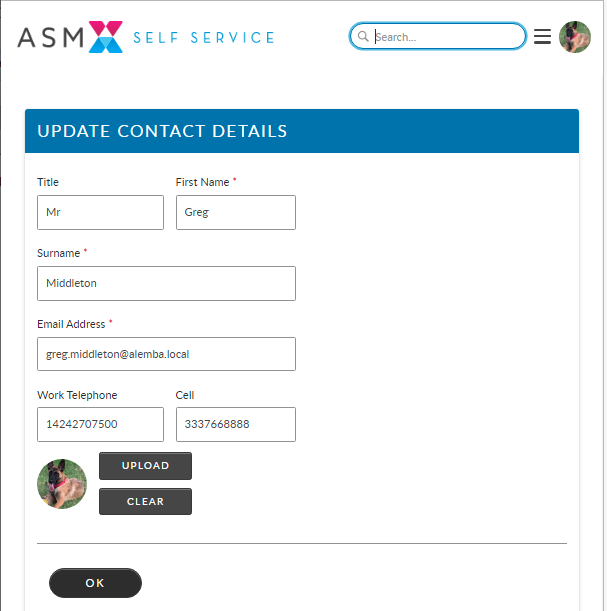
2. In the **Update your Contact Details** page, check and update the stored details, as necessary.
3. Click **OK**. A confirmation appears to acknowledge you have successfully updated your details.