Part 2-Syncfusion Server Check HTTPS Binding has been Configured
Syncfusion Server Check HTTPS Binding has been Configured
Checking that the HTTPS binding has been configured in ISS (Optional, but should be checked for Cloud Systems)
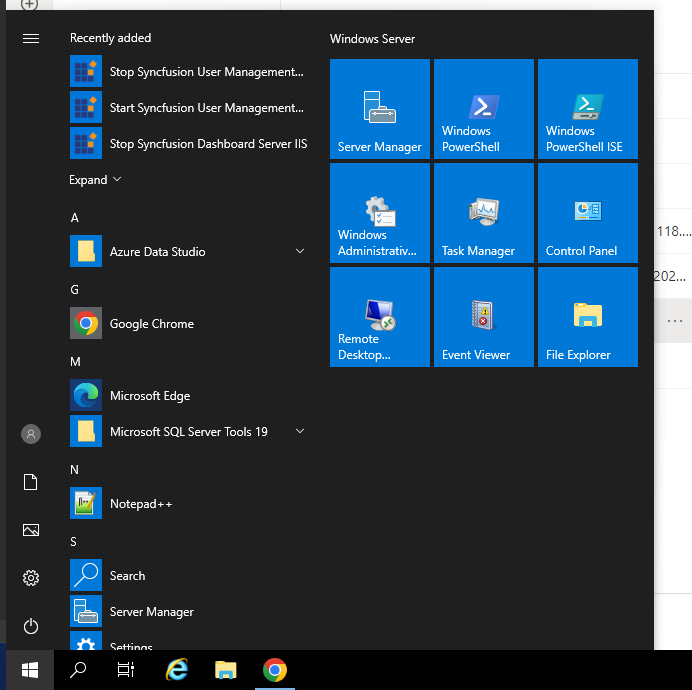
1. Go to Start Menu > Windows Administrative Tools
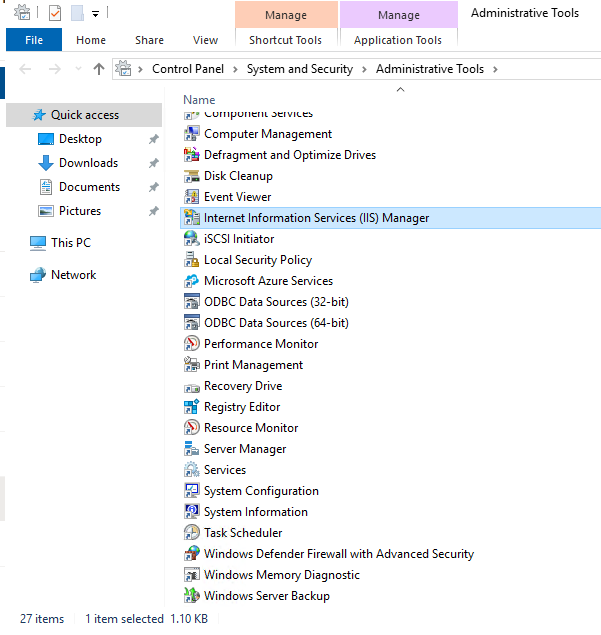
Right click Internet Information Services (IIS) Manager
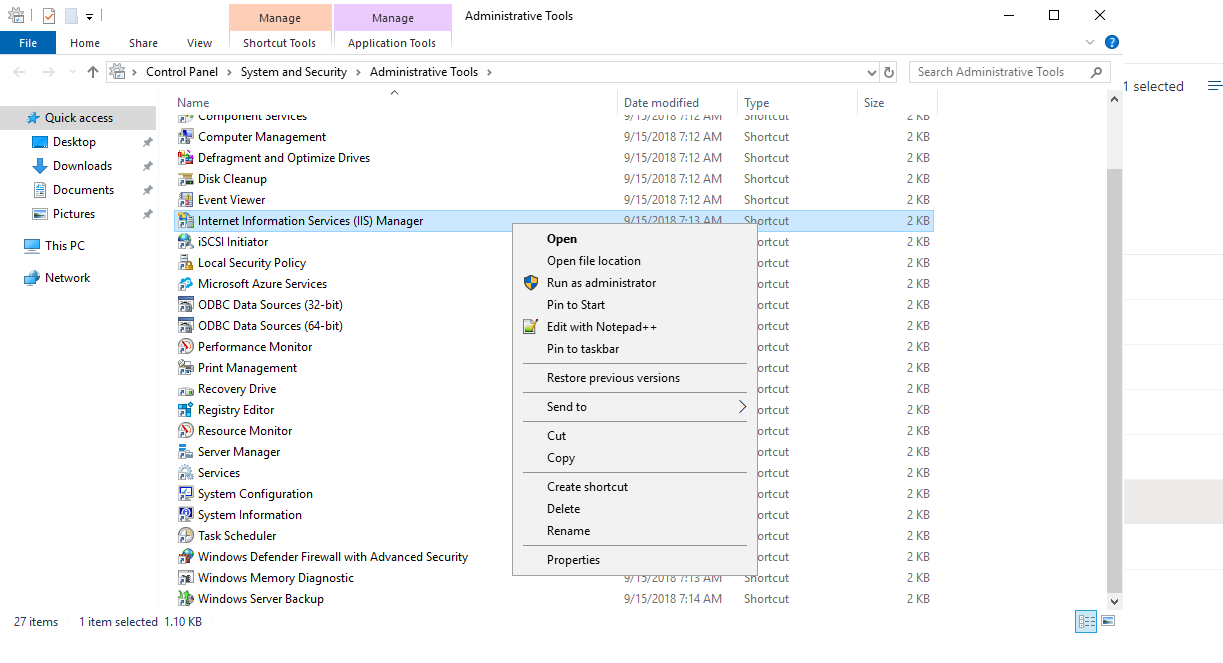
Click Run as Administrator
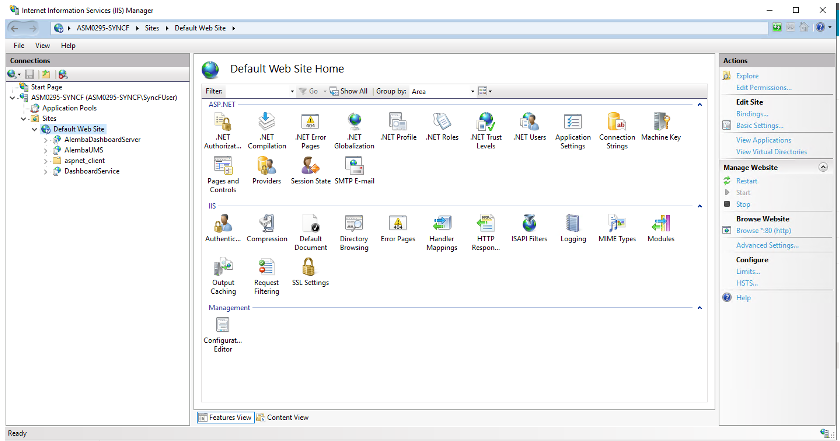
In IIS, on the left-hand side, right click on Default Web Site and select Edit Bindings
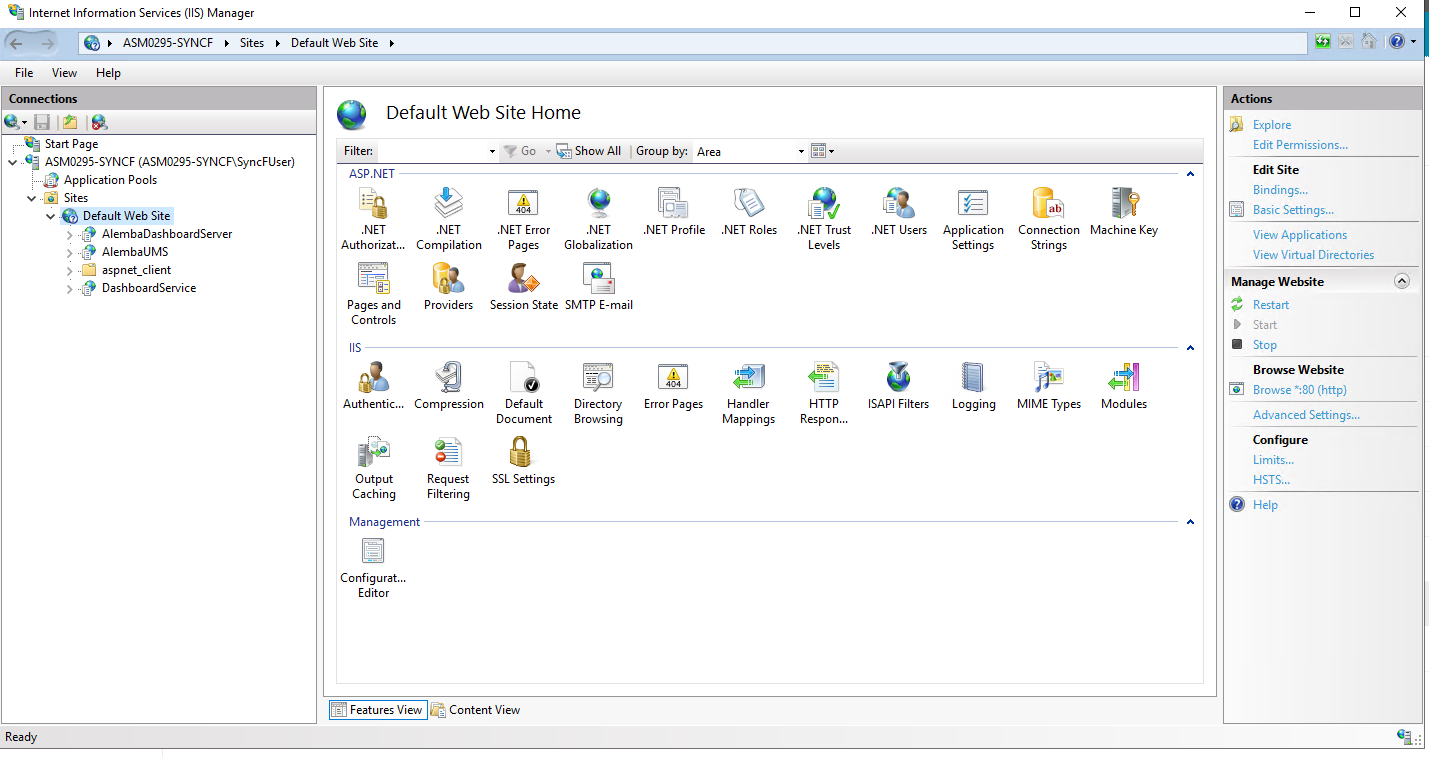
If in the new window, no HTTPS binding is defined, click Add and configure as per below:
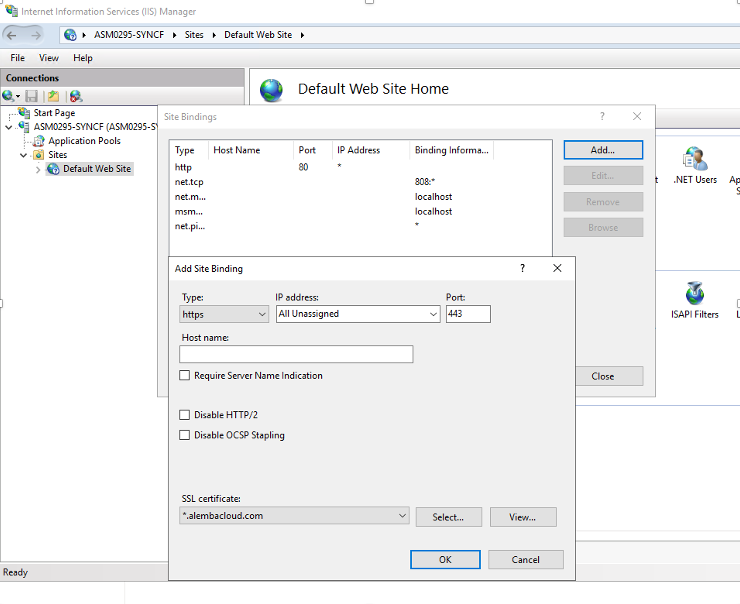
The SSL Certificate name might differ depending if you are an Alemba Cloud customer or an on premise customer.
Select in the top left hand corner, Type, as https and select the SSL certificate
Click OK.
Verify your Site Bindings look like the image below
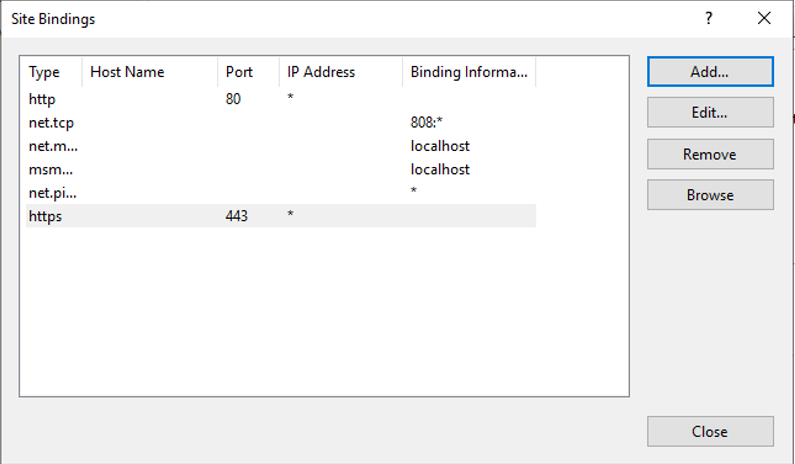
Click Close on the above and close IIS config manager.